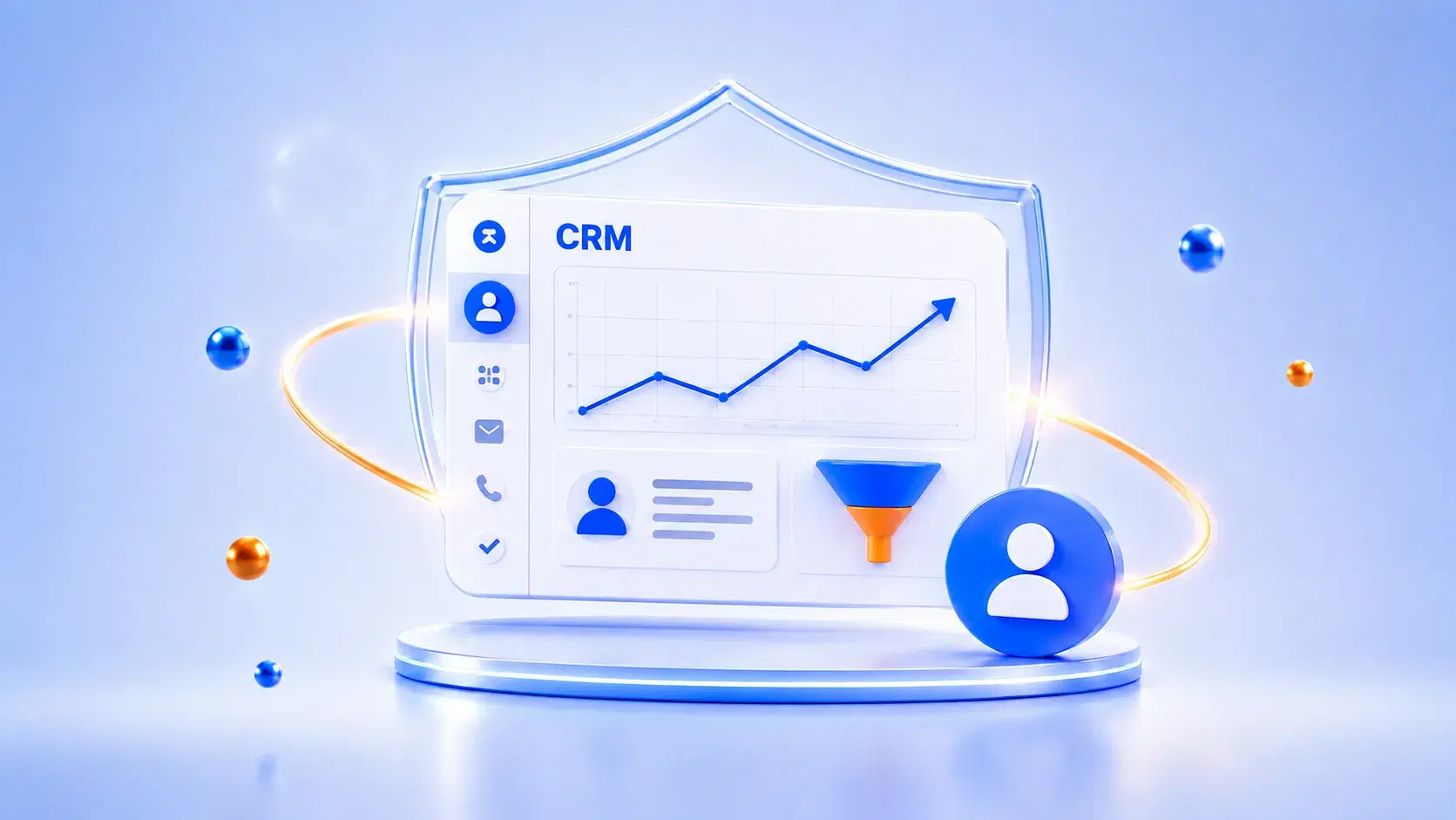
A small business CRM stores customer records, tracks deals, and logs every follow-up in one place instead of a spreadsheet. Most comparisons rank the same five tools by feature count and skip the one question that actually matters for a small team.
What happens to a deal the moment a follow-up gets missed?
Does a free CRM tier stay free once the business actually grows?
Which tool fits a five-person team without a training budget?
Grand View Research values the global CRM market at $73.40 billion in 2024, projecting it to reach $163.16 billion by 2030 at a 14.6 percent CAGR, and small businesses are a growing share of that shift. This piece sorts the top small-business CRM options by what you're actually optimizing for, not a generic feature score, plus our broader framework for evaluating CRM software if you want the fuller buying checklist.
TL;DR
The right small business CRM depends on one goal: pipeline visibility, lead generation, or the lowest possible cost.
Pipedrive fits sales-first teams that want a visual deal view with almost no setup.
HubSpot fits marketing-led teams that need forms and email built into the same record.
Bigin fits the tightest budget, since it was built specifically to replace a spreadsheet.
Monday fits teams that want to reshape their own workflow without a developer.
Free tiers hide their real cost. The gap shows up at the next pricing tier, not on the signup page.
Top CRM Software for Small Businesses, by Goal
Choosing the best CRM software for small businesses starts with naming the one problem it needs to fix. A tool ranked highest on a review site can still be the wrong pick if it solves a problem your team does not have yet.
Pipedrive. Best for sales-first teams. Drag-and-drop deal tracking shows exactly where every deal sits, with almost no setup time.
HubSpot CRM. Best for marketing-led lead generation. The free tier covers two users and 1,000 contacts, with forms and email built in.
Bigin by Zoho CRM. Best for the tightest budget. It is a stripped-down version of Zoho's enterprise CRM, built to replace a spreadsheet directly.
Monday Sales CRM. Best for no-code flexibility. Visual boards adapt to how a small team already works, without a developer.
Each tool above wins on a different first question. Match your team's actual bottleneck to the list before comparing anything else.
Why the "Best" Answer Depends on the Question You Ask First
Most small business CRM roundups score every tool on the same checklist: contact management, email tracking, reporting. That method hides the real decision behind a total feature score.
The problem: a tool that wins on total features can still be wrong if those features solve a problem you don't have. Advanced marketing automation does not help a team that is only losing leads in a spreadsheet. A twelve-stage pipeline builder does not help a team that only needs three stages.
The solution: pick one goal first, sales pipeline visibility, lead capture, or lowest cost, then compare features only within that shortlist. Every tool on this page is strong in its own lane. None of them are strong everywhere at once, and that is by design, not a flaw.
Think about the last deal that slipped through. Was it lost because nobody saw it stall, because a lead never reached a person, or because a spreadsheet update happened a day too late? That single answer points toward Pipedrive, HubSpot, or Bigin faster than any side-by-side feature table will.
That one filter removes most of the guesswork before you open a single pricing page.
How to Choose Between Them?
A few questions narrow the decision faster than a full feature comparison
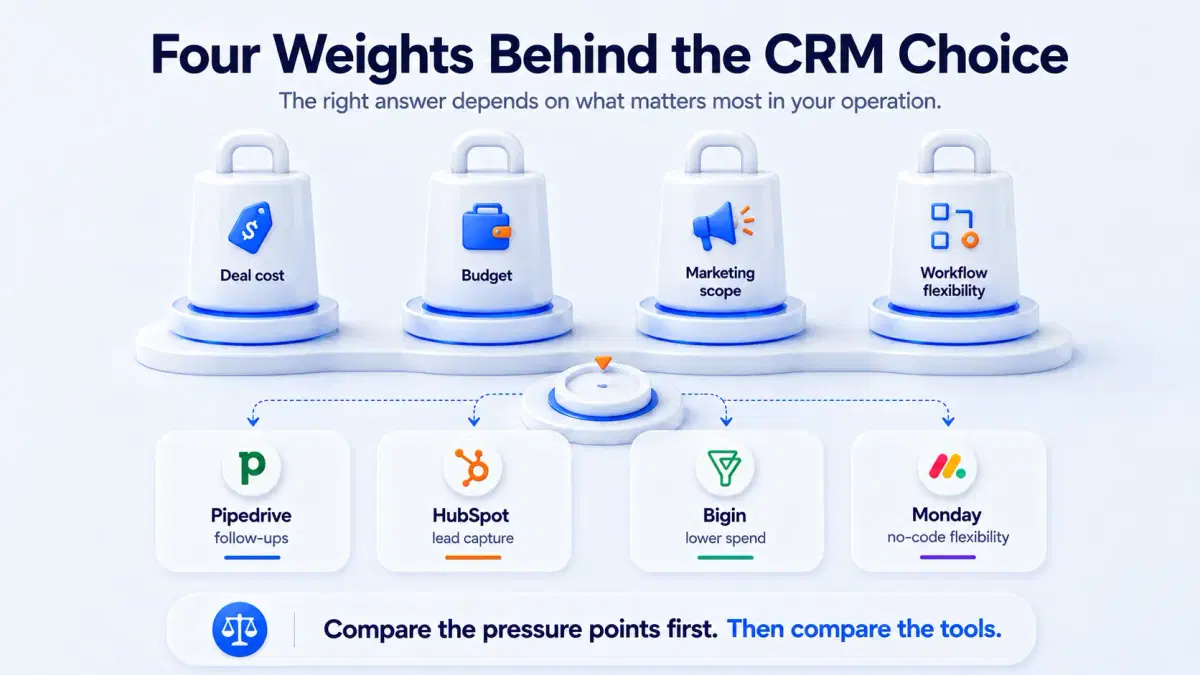
What's actually costing you deals right now? Losing track of follow-ups points toward Pipedrive. Losing leads before they ever reach a salesperson points toward HubSpot.
What's your realistic monthly budget once you're past the free tier? HubSpot's free tier is generous, but costs can jump quickly at the next tier. Bigin stays inexpensive even as you scale seats.
Do you need marketing tools built in, or just a place to track deals? If marketing lives in a separate tool already, a lighter, sales-only CRM avoids paying for features you won't use.
Will one person configure this, or does it need to flex without technical help? Monday's no-code boards suit a team that will keep adjusting its own workflow without IT involvement.
Free vs. Paid: What Changes When You Upgrade
Every tool on this list has a usable free or entry tier. They do not all hit their limit at the same point, and that gap is where the real cost comparison happens.
HubSpot. The free tier works well for two users and 1,000 contacts. Automation and extra seats jump in price fast once you outgrow it.
Bigin. Stays inexpensive at nearly every scale, since it was built to stay cheap rather than upsell into a bigger product.
Pipedrive and Monday. Both price mainly by seat count, so the real question is how many people need direct access.
Map your team's size for the next twelve months before picking a plan. The tier that fits today rarely fits in a year.
Common Mistakes Small Businesses Make Choosing a CRM
The same handful of mistakes shows up across most small business CRM decisions. All of them are avoidable before signup, not after.
Choosing on the free tier alone. The free plan rarely reflects the real cost once you need more than basic contact tracking.
Treating the CRM as a standalone tool. A pipeline that skips how customers actually reach the business creates a second data-entry step somewhere else.
Skipping the migration step. Moving off a spreadsheet takes planning. Businesses that skip it run two systems in parallel for months.
No adoption plan for the team. A CRM only works if the whole team logs deals in it, not just the owner.
Fixing these choices before signup saves more time than any feature comparison will.
Mistake two is the one that ages worst. See what it looks like when customer records don't have to be re-entered anywhere else.
When a Small Business Outgrows These Tools
These four tools work well for a small business. There is a point where the problem changes shape entirely, and it rarely announces itself as a CRM problem first.
A few signals tend to show up together:
A second department wants the same customer record. Support, field service, or operations start asking for visibility the CRM was never built to share.
IT tickets and customer requests start colliding. The same person who files a support ticket is also a paying account, and the two live in different systems.
Someone gets hired just to manage workflows. Once a business needs a dedicated person coordinating tools, the tools themselves are usually the bottleneck.
Approvals start spanning departments. A deal, a service request, or a contract change needs sign-off from people outside sales.
At that point, the buying decision is no longer about a CRM alone. It becomes a question about a connected operations platform instead of another standalone tool, and that is a different piece of research entirely.
Already seeing two or three of these signals at once? It's worth seeing what "connected" actually looks like before you outgrow the current setup.
Why Should You Choose DGlide?
DGlide is not built for this list, and it would be dishonest to pretend otherwise. It is a mid-market platform for companies with 200 to 800 employees, running ITSM, field service, and CRM on one system, built for the exact signals in the section above.
DGlide connects customer records to IT tickets and field service work, not just a sales pipeline.
No-code configuration lets an operations team adjust workflows directly, without a developer.
Pricing scales by platform, not by seat, which changes the math past a certain team size.
A small business evaluating CRM on its own is better served by Pipedrive, HubSpot, Bigin, or Monday. DGlide becomes the relevant conversation later, once those four signals start piling up at once. Bookmark this one for when a spreadsheet-to-CRM problem turns into a three-systems problem.
Conclusion
The best CRM software for a small business is not one universal winner, it is whichever of these four tools matches the problem costing you deals right now. Pipedrive fits pipeline visibility, HubSpot fits inbound lead capture, Bigin fits the tightest budget, and Monday fits no-code flexibility. Start with the actual bottleneck, not a feature scorecard built for a buyer who does not exist.
That choice is not permanent, and it should not feel like one. Revisit it once customer records start needing to reach IT, field service, or a second department, since that is a different problem wearing the same search query. Small business today does not mean small business forever, and the right tool now is simply the one that fits the size you are, not the size you might become.
FAQs
What is the best CRM software for a small business?
There is no single best option for every team. Pipedrive fits sales-first teams, and HubSpot fits marketing-led lead generation. Bigin fits tight budgets, Monday fits teams wanting no-code setup.
Is HubSpot CRM actually free for small businesses?
Yes, the free tier covers two users and 1,000 contacts with real functionality. Costs rise quickly at the next tier. Confirm your realistic path past free before committing.
What should I check before choosing a small business CRM?
Start with the one problem costing you deals today, not a full feature list. Check your realistic budget past the free tier. Confirm the whole team will actually use it.
Does DGlide work as a small business CRM?
No, DGlide is built for mid-market companies running CRM alongside ITSM and field service. A small business is better served by Pipedrive, HubSpot, Bigin, or Monday.